

Introduction
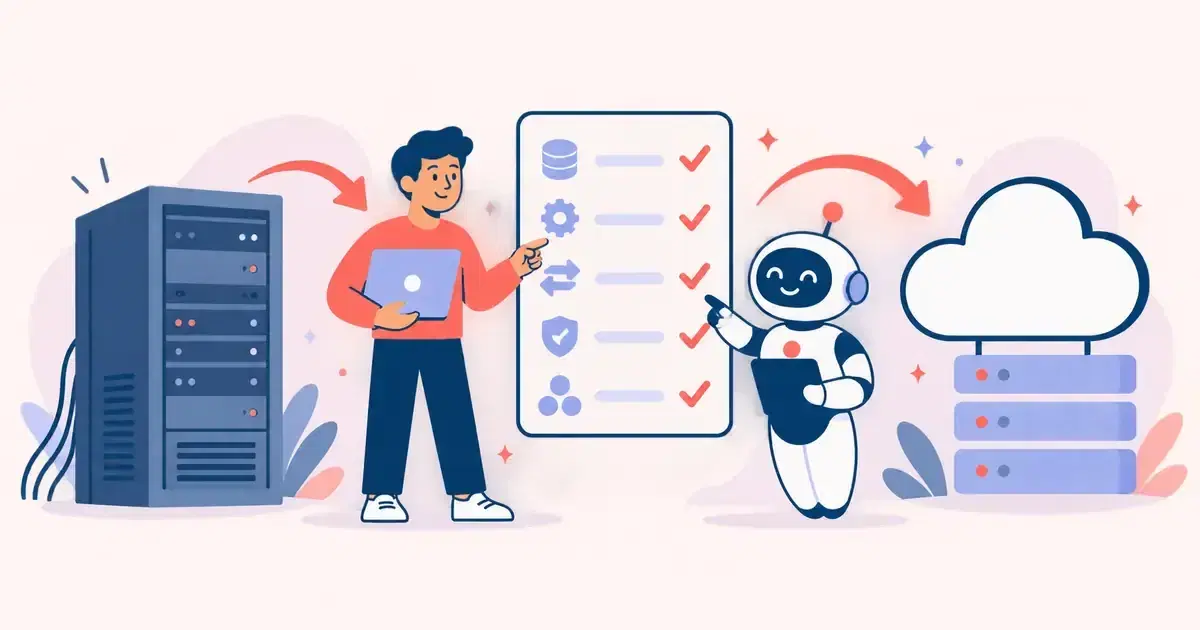
Your business starts to struggle when data is spread across different tools, and teams find it hard to manage and organize information. To solve this problem, companies develop ERP software that brings all business data and processes together into one connected platform.
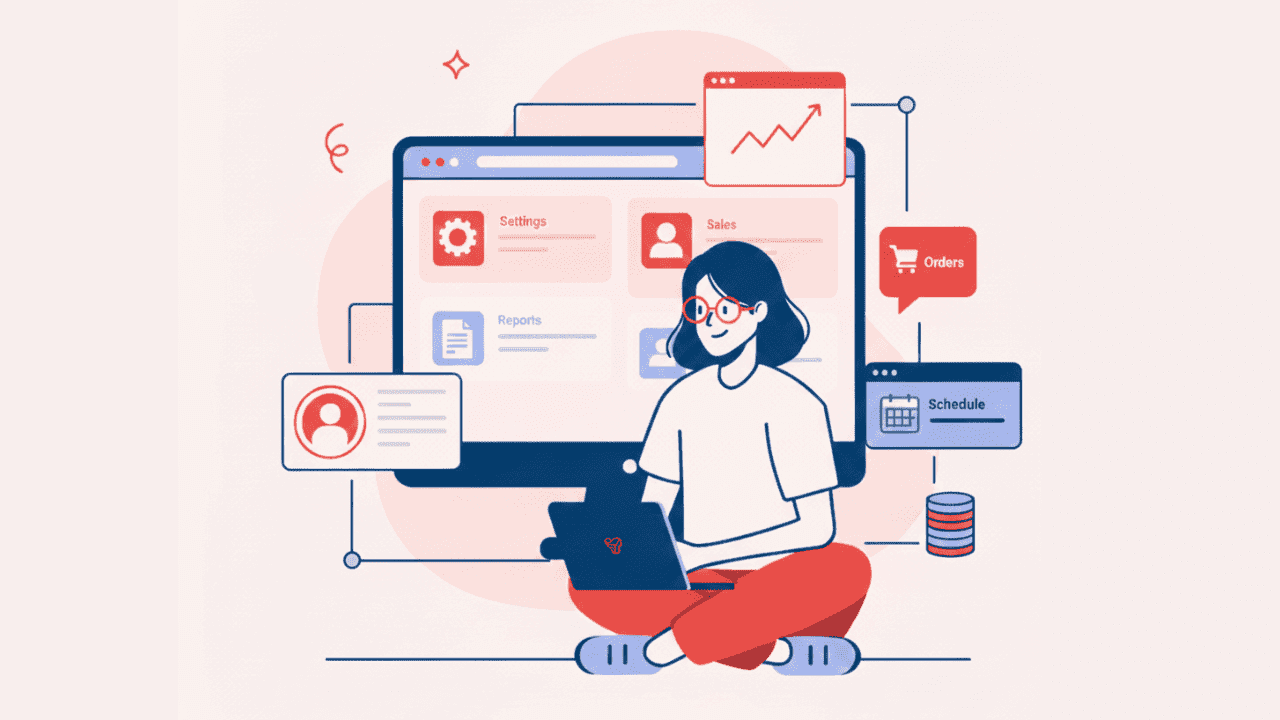
ERP software manages important business operations, including finance for tracking income, expenses, invoices, and taxes; human resources for handling employee records, payroll, and attendance; inventory for monitoring stock levels; and sales for managing orders and customer details. By managing all these operations in a single system, ERP software reduces manual work, improves accuracy, and helps teams work better together.
In this guide, we explain what ERP software is, why businesses need it, the types available, key features, and the process of developing ERP software. It helps you choose the best ERP software development company for your business.
What Is ERP Software and Why Your Business Needs It?
Instead of using multiple tools for every operation, teams can handle all their daily tasks from a single system. With ERP software, employees can view shared data, update it instantly, and work together without confusion.
Imagine your business uses one tool to manage inventory, another tool for finance, and spreadsheets to track sales orders. When you ask for a simple report on a particular order, your team spends hours collecting data from different systems.
With the Enterprise Resource Planning solution, we can solve this problem. With a single software, teams can access all the data, generate reports instantly, and work without switching between multiple tools.
Different Types of ERP Software
Based on where the ERP software runs, how data is stored, and where it is accessed, the Enterprise Resource Management solution is separated into different types. Let’s explore the Enterprise Resource Planning types.
On-Premise ERP
In this type, the business buys the ERP system and sets it up on its internal server. Employees access the system through the company network to manage daily operations such as finance, inventory, sales, and human resources.
However, a well-structured IT team needs to handle and maintain the server.
Advantages:
- ERP software is customized based on your business requirements
- Businesses keep all data within their own infrastructure, which improves privacy and security
- Companies set their own security rules and control user access
- Employees can use the system through the internal network, without the need to depend on internet connectivity
Cloud-Based ERP
Cloud-based ERP software runs on secure cloud servers. Businesses do not need to install the system on their own servers. Instead, they subscribe to the ERP service and use it through a browser or app using an internet connection.
Advantages:
- ERP software runs on the cloud, so businesses avoid spending on servers and hardware
- ERP provider handles updates and improvements, so businesses always use the latest version
- Cloud-based ERP systems are faster to implement compared to on-premise solutions
- The pressure on internal IT teams is reduced because the vendor handles maintenance, security, and data backups
Hybrid ERP
Hybrid ERP allows businesses to keep some operations and sensitive data on their internal servers while running other processes on the cloud.
Advantages:
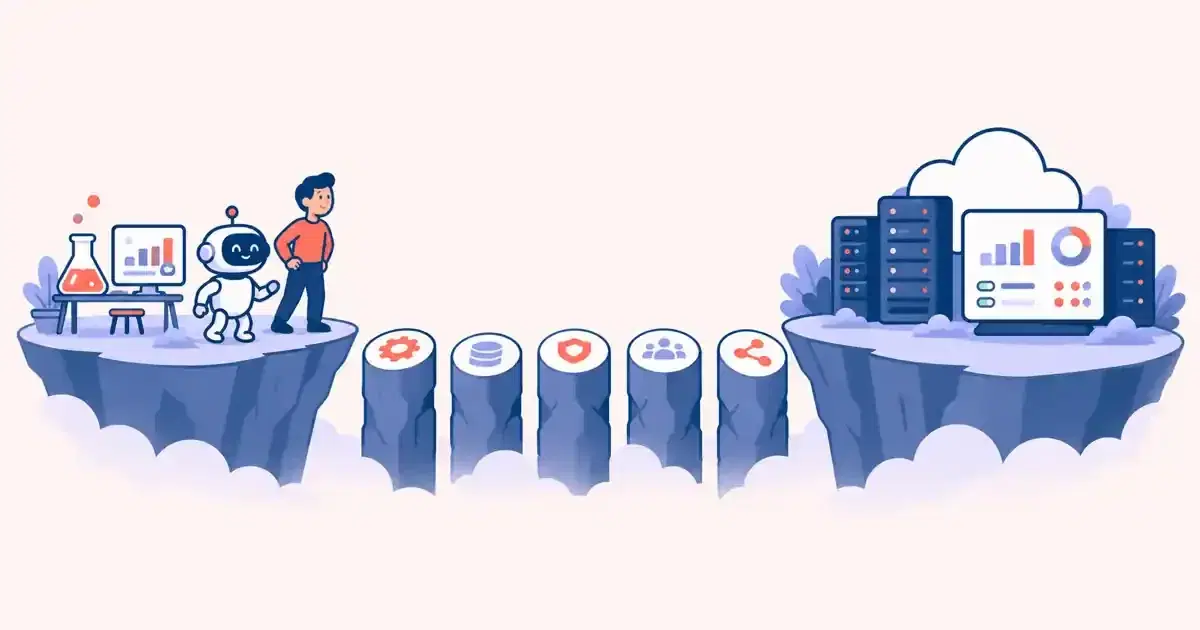
- Companies can move to the cloud step by step without changing the entire system at once
- Teams can access cloud-based features from anywhere, improving collaboration
- Critical operations run on internal servers, reducing dependency on internet speed
Industry-Specific ERP
Businesses that implement industry-specific ERP get features that improve workflow and support constant growth.
Advantages:
- Pre-built industry features reduce setup time and speed up deployment
- Ready-made features lower the need for custom development and reduce costs
- Industry-specific ERP helps businesses follow industry rules and standards
Open-Source ERP
Open-source ERP software gives businesses access to its source code. So they can add new features, modify existing modules, and integrate the system with other tools.
Advantages:
- Avoid expensive license fees and reduce overall software costs
- Companies fully own the system and control how it works and grows
- Own IT team or service provider for support.
Licensed ERP
Licensed ERP is a system that businesses buy from an ERP provider by paying a license fee. The software comes as a complete package with ready-to-use features for finance, sales, inventory, human resources, and other business operations.
Advantages:
- Businesses receive professional support from the ERP provider for setup, issues, and guidance
- Licensed ERP helps businesses follow legal and industry standards more easily
- Strict security rules are followed, which helps to protect business data from risks and threats
When Should Businesses Implement ERP Software?
Are your daily business operations becoming hard to manage? If yes, then implement ERP software. With ERP, you can manage all your business operations in one system.
Another right time to implement ERP is when a business is growing. As sales increase and teams expand, tracking data manually leads to errors and delays. ERP keeps information updated and easy to access for everyone.
ERP is also useful when decision-making takes too long. If managers wait for reports from different teams, it affects planning. ERP gives real-time data, making decisions faster and clearer.
Businesses should consider ERP when customer demands rise. Faster order processing, accurate inventory, and smooth billing improve customer satisfaction.
If internal teams spend more time fixing issues instead of focusing on growth, ERP can reduce this load. It simplifies workflows and improves control across departments.
Custom ERP vs Off-the-Shelf ERP: Key Differences
Custom ERP
Do you want your ERP software to be designed specifically for your business? Then go with Custom ERP, it is the best for businesses with unique operations. However, the system is built around your process, so teams can work more smoothly and efficiently.
Off-the-Shelf ERP
A ready-made solution created for general business needs. It comes with standard features like finance, sales, inventory, and HR. Works well for small and mid-sized companies that follow common processes and want a fast, budget-friendly solution.
Comparing Custom ERP vs Off-the-Shelf ERP
| Feature | Custom ERP | Off-the-Shelf ERP |
|---|---|---|
| Purpose | Built to match your exact business process | Built for common business needs |
| Customization | Fully customizable based on your workflow | Limited customization options |
| Setup Time | Takes more time to design and develop | Quick setup and faster deployment |
| Initial Cost | Higher upfront investment | Lower initial cost |
| Scalability | Grows easily as your business grows | Scaling may require extra tools |
| Flexibility | Adjusts easily to business changes | Works within fixed features |
| Integration | Integrates smoothly with existing systems | May need additional connectors |
| User Experience | Designed for your team’s daily tasks | Generic interface for all users |
| Maintenance | Managed by your chosen development team | Handled by the ERP vendor |
| Long-Term Value | Offers strong long-term benefits | Best for short to mid-term needs |
Key Features of ERP Software for Businesses
To manage daily operations in a simple way, ERP makes business work easier, faster, and more accurate. Listed below are key features that make ERP software valuable for businesses.
Centralized Data Management
Stores all business data in one place. Teams can access updated information anytime, which reduces errors and avoids repeated work.
Finance and Accounting Management
Helps track income, expenses, invoices, taxes, and payments. It gives clear financial reports that support better decisions.
Human Resource Management
Manages employee details, payroll, attendance, and leave records. It simplifies HR tasks and saves time for HR teams.
Inventory and Supply Chain Control
Tracks stock levels, product movement, and supplier details. It supports better stock planning and helps avoid product shortages.
Sales and Customer Management
Manages orders, customer data, billing, and sales reports. It improves customer service and makes the sales process smoother.
Real-Time Reporting and Analytics
Provides live reports and dashboards. Businesses can monitor performance and take quick action when needed.
Easy Integration
Connects easily with other tools such as CRM, payment systems, and third-party apps. This keeps all systems working together smoothly.
Role-Based Access Control
Allows businesses to control who can access specific data. This improves security and protects sensitive information.
Scalability
ERP grows with your business. You can add new users, features, or modules as your business expands.
ERP Software Development Process
Create a software that understands your business goals and supports daily operations. Explore the ERP system development process and avoid delays, reduce errors, and deliver a solution that matches your business needs.
Understand Business Requirements
Every successful ERP software development project starts with understanding business needs. In this stage, the team talks with stakeholders to learn how daily operations work and where problems exist. They study workflows in finance, HR, sales, inventory, and other departments. Helps to define clear goals, user roles, and system expectations. By gathering correct requirements early, businesses avoid rework later. A strong requirement analysis guarantees the ERP solution matches real business needs and supports future growth without missing features.
Plan the ERP Structure
After understanding the business goals, the team starts designing the ERP system structure. It focuses on deciding the system architecture, modules, data flow, and user access levels. A well-planned structure helps the ERP system stay organized and scalable. Businesses can add new features later without breaking the system. Planning also helps choose the right technology stack and deployment model. Proper planning reduces development risks and ensures smooth collaboration between different departments using the ERP platform.
Design User-Friendly Interfaces
ERP software should be easy to use for all employees. During this stage, designers focus on creating clean dashboards, simple navigation, and clear layouts. A user-friendly interface prevents mistakes in daily tasks. Employees can quickly access reports, manage data, and complete work without confusion. Good ERP UI/UX design improves productivity and user adoption. When users enjoy using the system, businesses get better results from their ERP investment.
Develop Core ERP Modules
In this stage, developers build essential modules such as finance, HR, inventory, sales, and reporting. Many businesses start with MVP software development to launch core features first and expand later. It saves time and cost while testing real business usage. Each module connects smoothly with the others to maintain data consistency. Strong development guarantees performance, security, and reliability across the ERP system.
Also Read: Minimum Viable Product (MVP) for Software Development | Explained
Integrate With Existing Tools
Most businesses already use tools like CRM, accounting software, or payment systems. ERP software integrates with these tools to create a single data source. Integration removes manual data entry and reduces errors. Real-time data syncing helps teams make faster decisions.
Test the ERP System
Testing makes sure the ERP system works as expected before launch. The team checks functionality, performance, security, and user access. Testing helps identify bugs, data issues, and workflow gaps early. It includes user testing to make sure employees can use the system easily.
Deployment
After testing, the ERP system is ready for deployment. Businesses can choose cloud, on-premise, or hybrid deployment based on their needs.
During deployment, data migration and system setup take place. The team ensures everything runs smoothly without disrupting daily operations.
Ongoing Support and Improvements
ERP software needs continuous support to stay effective. Regular updates keep the system reliable. Ongoing support ensures the ERP solution grows along with the business. This stage helps maintain long-term value and system stability.
How Much Does It Cost to Develop Your Own ERP Software?
The cost of developing your own ERP software depends on the size of your business, the features you need, and the technology you choose.
A basic ERP system that covers essential modules like finance, HR, sales, and inventory usually costs less. If you want advanced features such as real-time analytics, mobile access, multi-department integration, and custom workflows, the development cost will be higher. Businesses often start with MVP software development to launch core modules first and expand later, which helps manage the budget while testing real usage.
Other factors affecting cost include deployment type; cloud-based solutions are generally faster and cheaper to implement, while on-premise ERP may require extra hardware and IT support. Development time, complexity, team expertise, and third-party integrations also influence the overall price.
Building a custom ERP is a great investment; it helps streamline operations, reduce errors, and improve decision-making. Over time, the efficiency and productivity gained from a well-developed Enterprise resource planning software and make it a worthwhile investment for growing businesses.
Conclusion
Developing your own ERP software is a smart step to streamline business operations. Whether you choose a custom ERP, off-the-shelf ERP, or industry-specific solution, first you need to understand your business needs, plan carefully, and work with an experienced development team.
Are you ready to implement an ERP software tailored for your business? Share your idea with us at Tart Labs. We provide the best custom ERP software development services that help your business operate smarter, save time, and achieve real growth.