Legacy Software Modernization

Introduction

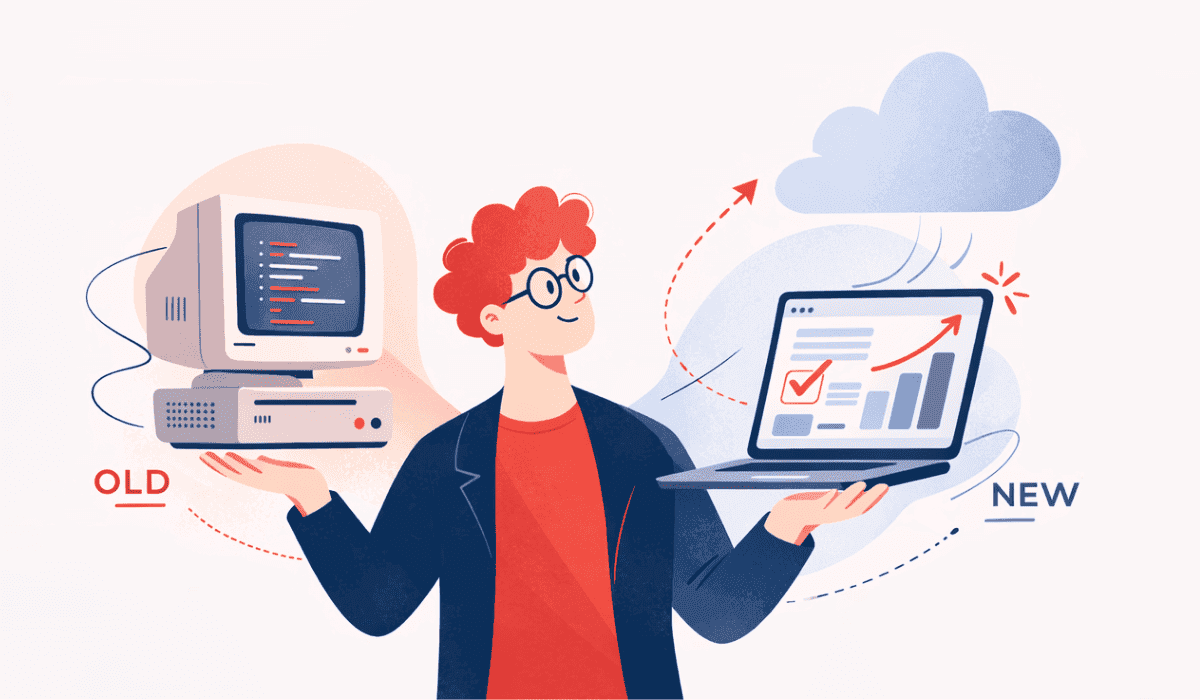
As technology grows, many businesses struggle with daily operations because of outdated legacy software. These old systems still work, but they slow down tasks, increase maintenance costs, and make it hard to adjust to new market demands.

Many companies delay upgrading their existing software because it seems expensive. However, keeping legacy software also creates challenges. It becomes harder to manage, and even small updates take more time. While competitors move to modern technologies, businesses that depend on outdated systems will be at risk.

Legacy software modernization is not just about changing code. It is also about improving performance, strengthening security, increasing flexibility, and making the system ready for future growth. Modernization is not a heavy expense; it is a smart investment. The best legacy software modernization company can help businesses upgrade their systems with the right strategy and technology.

In this blog, we will explore what legacy software is, why businesses need to modernize it, the risks of continuing with outdated systems, cost factors in modernization, and the right strategies to upgrade it successfully.

What is Legacy Software?

Legacy software is an old business system that companies still use today. It was created many years ago to handle important tasks and solve business problems at that time.

Initially, it worked well and supported daily operations smoothly. It managed customer records, employee data, billing details, inventory, and reports. However, it was built based on older technology standards.

As technology moves forward, this type of software becomes outdated and less suitable for modern business needs.

Why Modernize Legacy Systems

Over time, business needs change. Customers expect faster service. Teams need better tools. New systems offer more features and stronger security. Because of this, businesses that depend on legacy software cannot meet these new demands easily.

Are you thinking that your current system still works fine, so there is no need to change? That is a common thought. But the real question is, will it support your business one or two years from now? Will it help you grow, expand, and compete in a fast market?

Modernization is not about fixing what is broken. It is about preparing systems that support future needs. It helps your business stay ready, stay flexible, and stay confident in a world where technology keeps moving forward.

Why Legacy Systems Become a Business Risk

At first, legacy systems do not look like a serious problem. They still work. They still store data. They still support daily tasks. So where is the risk? The risk starts quietly.

Old systems often lack strong security protection. Over time, hackers look for weak systems. If the software does not receive regular updates or security patches, business data can become an easy target. One security issue can lead to data loss, financial problems, and lower customer confidence. Another risk is system failure. Legacy software depends on outdated hardware and unsupported technology. If something fails, it takes a long time to fix. In such cases, even a small issue can stop business operations.
Think about competition as well. What happens when your competitors use faster, smarter, and more secure systems? They serve customers better. They can adapt easily when the market changes. Meanwhile, businesses that depend on legacy systems struggle to keep pace.

So the real question is not whether legacy systems work today. The real question is whether they protect your business tomorrow.

That is why legacy systems become a business risk. They look stable on the surface, but underneath, they can limit growth, increase costs, and expose the business to serious problems.

Key Signs Your Legacy Software Needs Modernization

Many businesses are unsure about when to modernize. The system still works. Teams still use it every day. So, how can a business know it is time for a change?

Slow System

Does your system take too much time to load? Do employees often wait for screens to open or reports to generate? A slow system is one of the first signs that the software is old. When daily tasks take longer than they should, team productivity drops. Over time, this delay affects customer service and overall business performance.

Difficult Updates and Changes

If your team feels stressed about making even minor changes, then you need to modernize your legacy system. Legacy systems lack flexibility. Simple feature additions or fixes require extra time, effort, and cost. This delays work and makes it difficult for the business to adapt to new needs.

Poor Integration with Modern Tools

Do you face issues when connecting your system with new apps, websites, or third-party platforms? Modern businesses need systems that can send and receive data easily. If your software cannot connect easily, it creates data gaps. This wastes time and increases unnecessary errors.

Rising Maintenance Costs

Are you spending more money every year just to keep the system running? Legacy software often needs special technical support. Finding experts for old technology can be expensive. When maintenance costs keep rising without real improvement, then it’s time to think about modernization.

Security Concerns

Does your system receive regular security updates? If not, your business data can be at risk. Older systems lack strong security to handle online risks. These kinds of issues can cause data loss and reduce customer trust. Such signs indicate that the system requires changes. That is when modernization becomes an important step.

Benefits of Legacy Software Modernization

Do you know what businesses gain when they modernize their legacy systems? Explore the benefits of legacy application modernization and how AI-powered legacy software modernization helps businesses improve performance.

Also Read: How to Integrate AI Features into Your Existing Software

Better Performance and Speed

Legacy system modernization services help the software run better and support faster work. Old software reduces your team's productivity. After modernization, processes become quicker, reports load faster, and employees can complete work without delays. Cloud application modernization helps improve system speed by using a scalable infrastructure.

Stronger Security

Legacy systems do not have advanced protection features. Modern systems with improved security measures that protect sensitive data from threats. With better data protection, customers develop more trust in the business. Modern systems offer better security for web applications and mobile applications where business data is used regularly.

Lower Long-Term Costs

At first, modernization seems expensive. But it helps businesses save money later. Businesses spend less on constant repairs, special technical support, and outdated infrastructure. A modern system helps control maintenance expenses and manage daily work better.

Easy Integration with New Tools

Many businesses depend on different software solutions. Modernized software can connect easily with mobile apps, cloud platforms, and third-party systems. With this, manual work gets reduced and creates a smooth data flow.

Better Support for Business Growth

As your business expands, your software must support many users, large data sets, and frequent business tasks. Modern systems are built to support growth. They provide flexibility and scalability, which allow the company to move forward without technical limits.

Also Read: What Is AI App Development and Why Does Your Business Need It?

Cost Factors in Legacy Software Modernization

Modernization costs depend on system size, complexity, industry, and where the development team operates. Let’s explore the cost factors that legacy software modernization affects.

Cost ComponentWhat It CoversApproximate % of Total Budget
Assessment & PlanningSystem audit, architecture review, roadmap strategy5 to 10%
UI/UX RedesignInterface improvements, better user experience10 to 15%
Core Development / RefactoringCode rewrite, re-architecture, tech stack upgrade35 to 45% (Largest Portion)
Cloud Migration & InfrastructureCloud setup, DevOps, hosting configuration10 to 15%
Data MigrationDatabase restructuring, transfer, validation5 to 10%
Security & ComplianceSecurity upgrades, regulatory compliance5 to 10%
Testing & Quality AssuranceFunctional, performance, and automation testing10 to 15%
Training & Change ManagementTeam onboarding and adaptation support3 to 5%
Ongoing Maintenance (Post-Launch)Monitoring, updates, performance optimization15 to 25% annually

Step-by-Step Legacy Modernization Process

Step 1: Evaluate Your Existing System

Start with a thorough review of the current system to understand how it works. This includes analyzing the codebase, checking system performance, identifying security risks, and reviewing technical debt. At this stage, the goal is to answer one key question: What should be improved, replaced, or retained?

Step 2: Define Clear Business Goals

Modernization must align with your business goals. Do you want to improve user experience? Are you looking for lower maintenance costs or faster scalability? Clear goals help businesses select the most suitable modernization approach.

Step 3: Choose the Right Modernization Strategy

Not every system needs a complete rebuild. You might:

  • Rehost (move to cloud without major changes)
  • Refactor (improve existing code structure)
  • Replatform (upgrade components while keeping core logic)
  • Rebuild (create a new system from scratch)

Step 4: Plan Architecture and Technology Stack

After the strategy is finalized, the next step is to design the future system. This includes selecting frameworks, databases, cloud platforms, and security tools.

Step 5: Start Development

Many businesses choose to modernize their systems step by step rather than update everything together. Different modules are updated gradually while the old system continues to operate. This reduces risk and ensures business continuity.

Step 6: Migrate Data Carefully

Data is the heart of any system. During modernization, databases are cleaned, restructured, and transferred securely. Validation and backup processes are critical at this stage to prevent data loss.

Step 7: Testing and Quality Assurance

Every updated component must be tested thoroughly. After multiple tests, businesses can confirm that the new system works properly and provides better speed and safety than the old system.

Step 8: Deploy and Monitor

After successful testing, the modernized system goes live. But the process doesn’t stop there. Continuous monitoring helps detect performance issues, optimize speed, and maintain system stability.

Step 9: Train Your Team

Finally, your employees need to feel comfortable using the new system. Proper documentation and training sessions ensure smooth adoption and reduce resistance to change.

How to Choose the Right Modernization Approach for Your Business

Choosing the right approach for modernizing your legacy system can be simple when you focus on your business needs. Look at how the current system performs. Is it slow, hard to maintain, or limited in supporting growth?

Some systems only need small updates. Other systems require a full rebuild. Investing in a completely new system brings long-term benefits. In some cases, businesses choose custom software development to replace old systems with solutions designed for their specific needs.

Budget and timelines also affect the choice. Step-by-step modernization or cloud migration works well when time and investment are limited. Full redevelopment suits businesses that aim for long-term scalability and innovation.

The team also matters. Choose an approach that matches the skills and capacity of your staff or consider external support.

A well-planned modernization approach improves work speed, strengthens system safety, and helps the business handle future needs. It is a smart step to manage expenses, reduce possible problems, and gain value over time.

Also Read: Software Product Development Services – A 2026 Perspective

Conclusion

Legacy software modernization services gives businesses the opportunity to improve their systems without losing valuable data or core functions. With the right strategy, organizations can upgrade performance, improve security, and build a system that supports future expansion.

If your business plans to upgrade an existing legacy system, the right technology partner can guide you through the process. At Tart Labs, we help businesses transform legacy applications into modern, reliable, and scalable solutions that support long-term success. Contact our team to discuss your legacy software modernization services.

Frequently Asked Questions (FAQ)

Legacy software modernization is the process of improving or upgrading old business systems so they can work with modern technologies. Many companies still use software built years ago. Modernization helps improve performance, security, and flexibility while keeping important data and business functions. It makes the system more efficient and suitable for current business needs.

Latest Blogs

How IoT Apps Are Enhancing Logistics and Fleet Management

9 min read

Feb 21, 2026

How IoT Apps Are Enhancing Logistics and Fleet Management

Are you struggling to track vehicles and delivery status? IoT apps for logistics and fleet management help you monitor trips, reduce fuel waste, avoid delays, and plan routes with clear data.

View Details
The Growing Demand for IT Staff Augmentation Services in India

8 min read

Feb 19, 2026

The Growing Demand for IT Staff Augmentation Services in India

Do you need to expand your tech team without long hiring cycles? IT staff augmentation in India helps businesses quickly access skilled professionals, reduce costs, and deliver projects on time with flexibility.

View Details
How to Integrate AI Features into Your Existing Software

11 min read

Feb 3, 2026

How to Integrate AI Features into Your Existing Software

Are you planning to boost your business using AI? Discover how integrating AI can improve customer interactions. Learn about different types of AI, identify the right use case, and follow the steps to add AI to your existing software effectively.

View Details