

Introduction
How can businesses handle more customer calls while keeping response times fast? Many businesses are turning to Voice AI agents to improve customer interactions and automate routine calls. Traditional IVR(Interactive Voice Response) systems often depend on fixed menus, while manual call handling can take more time, increase costs, and make it harder to manage a high volume of calls.
Voice AI agents provide a more natural way to handle these conversations. They can understand spoken language, respond in real time, and complete tasks based on what customers need. Businesses can use them for customer support, sales calls, AI Voice Agent for Appointment Booking, lead qualification, and virtual receptionists.
Why are businesses investing in Voice AI Agent Development? 24/7 availability, faster responses, lower operational costs, easy scalability, and better customer experiences are key reasons. Technologies such as Speech-to-Text, LLMs/NLP, and Text-to-Speech make these interactions possible. A Voice AI Agent Development Company can create voice solutions that match a business’s goals and day-to-day requirements.
In this blog, we will explore the key features, use cases, benefits, development process, technology stack, and cost of Voice AI agent development.
What Is a Voice AI Agent?
A Voice AI agent is an AI-powered system that can listen to spoken language, understand what the caller wants, create a suitable response, and speak back in real time. It can take care of incoming as well as outgoing calls, allowing teams to focus on conversations that need personal attention.
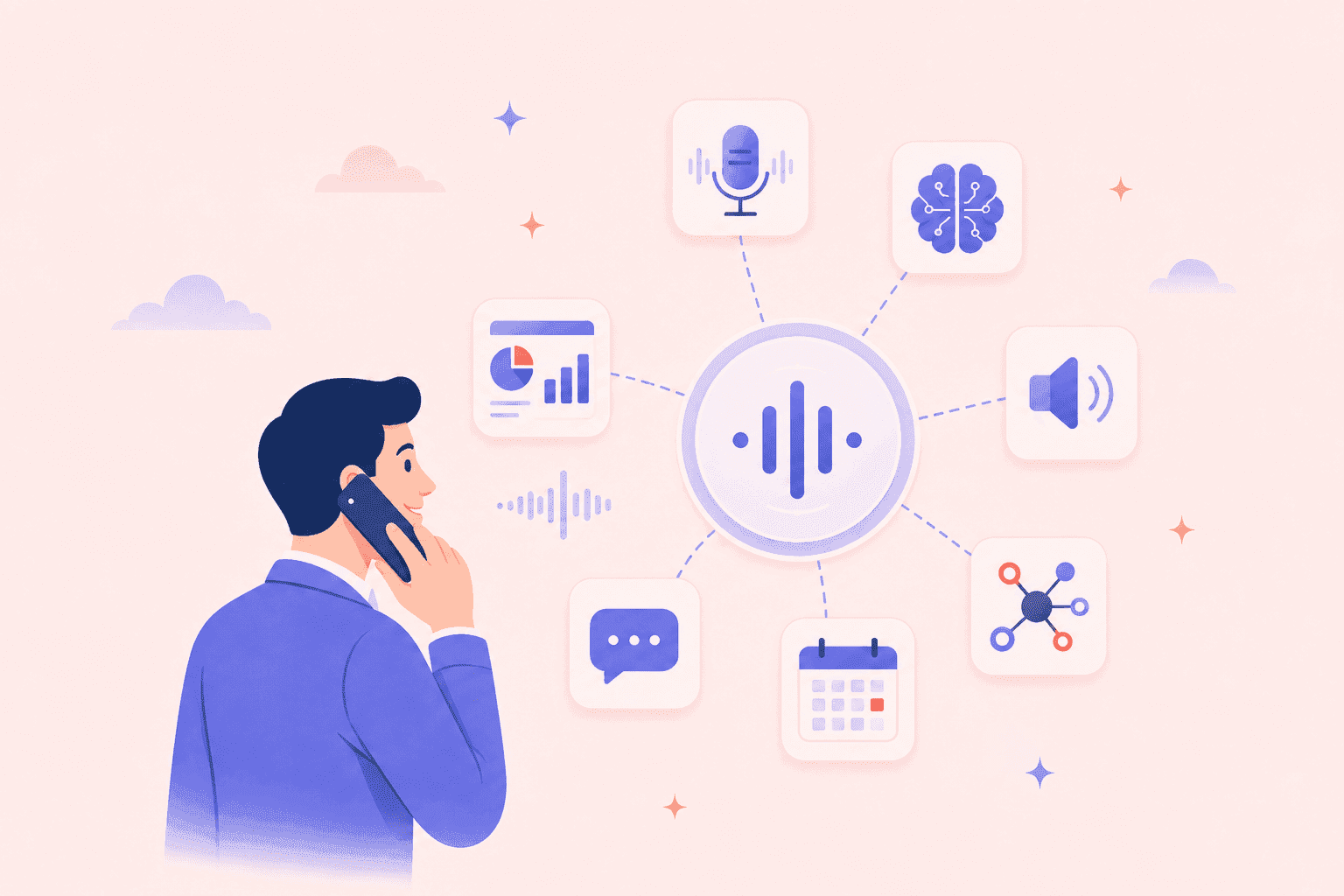
Voice AI agents can answer questions, book appointments, qualify leads, update customer records, and transfer calls when needed. They use technologies such as Speech-to-Text (STT), NLP/LLMs, Text-to-Speech (TTS), telephony, and APIs to manage conversations.
But how does a Voice AI agent fit into a business? It can connect with CRMs, helpdesk systems, scheduling tools, databases, and knowledge bases to access information and complete tasks during a call. Unlike older rule-based voice systems, modern Voice AI agents can understand conversation context and respond more naturally.
Voice AI Agent vs Traditional IVR
How is a Voice AI agent different from a traditional IVR system?
| Feature | Voice AI Agent | Traditional IVR |
|---|---|---|
| Conversation style | Supports natural conversations | Usually follows fixed menu options |
| User input | Understands free-form speech | Often uses keypad numbers or set commands |
| Flexibility | Can handle different questions and requests | Follows predefined call flows |
| Context awareness | Can remember the conversation and respond based on context | Has limited context handling |
| Task handling | Can connect with APIs and business systems to complete tasks | Usually offers basic routing and menu actions |
| Customer experience | Reduces menu navigation and feels more conversational | Can require customers to go through several menu options |
For example, instead of asking a customer to “Press 1 for sales, Press 2 for support”, a Voice AI agent can simply ask, “How can I help you today?” and respond based on the customer's answer.
Voice AI Agent vs Chatbot
Are Voice AI agents and chatbots the same? Not exactly. Both can use conversational AI, but they interact with customers through different channels.
| Feature | Voice AI Agent | Chatbot |
|---|---|---|
| Communication channel | Spoken conversations, usually through phone calls | Text conversations through websites or messaging apps |
| Input and output | Uses speech recognition and voice responses | Uses typed messages and text responses |
| Common use cases | Phone support, sales calls, appointment booking, call-center automation | Website support, FAQs, product help, messaging support |
| Interaction speed | Talking directly can feel more convenient than typing for many users | Users need to type and read responses |
| Technology | Uses STT and TTS along with conversational AI or LLMs | Mainly uses conversational AI or LLMs for text |
| Business integration | Can connect with CRMs, APIs, databases, and knowledge bases | Can also connect with CRMs, APIs, databases, and knowledge bases |
The key difference is how customers interact with the system. A chatbot communicates through text, while a Voice AI agent allows customers to simply speak and listen. Both can connect with business systems, but Voice AI is especially useful when phone-based communication is important.
How Do Voice AI Agents Work?
How does a Voice AI agent understand what a customer says and respond within seconds? It combines speech recognition, AI language processing, voice generation, and business integrations. The basic flow is simple: the customer speaks, the system understands the request, creates a response, performs an action if needed, and speaks the answer back to the customer.
Speech-to-Text (STT)
How does the system understand a customer's voice? Speech-to-Text (STT) captures what a person says and creates a written version that the AI can understand. Modern STT systems can handle different accents, speaking speeds, background noise, and languages. Why is accuracy important? If the spoken words are converted incorrectly, the AI may misunderstand the request and provide the wrong response.
Natural Language Processing and LLMs
How does the Voice AI agent understand what the customer actually means? NLP and LLMs help the system identify the user's intent and important details such as names, dates, locations, order numbers, and appointment times. The AI can also use the conversation history and business information to create a relevant response instead of simply replying to individual words.
Text-to-Speech (TTS)
How does the AI turn its answer into a voice? Text-to-Speech (TTS) turns the AI’s written reply into a voice that the customer can hear. Modern TTS systems can create natural-sounding speech with suitable tone, pronunciation, speed, and pauses. Businesses can also select different voices and languages based on their needs. This helps customers hear responses that are clear and easy to understand.
Real-Time Response Generation
Why does response speed matter in a voice conversation? A Voice AI agent needs to understand speech and generate an answer with very little delay. It should also know when the customer has finished speaking and when the customer wants to interrupt. By using conversation context, the agent can respond more naturally and keep the interaction smooth.
API and System Integrations
Can a Voice AI agent do more than answer customer questions? Yes. Through APIs and system integrations, it can connect with CRM systems, scheduling tools, helpdesk software, databases, payment systems, and other business applications.
Key Features of Voice AI Agents
Natural, Human-Like Conversations
Use a natural tone, suitable speaking speed, clear pronunciation, and realistic pauses. The agent should avoid repeating the same phrases or sounding robotic. Its responses should change based on the customer's needs and situation. Different voice styles can also be used to match the brand and improve the overall customer experience.
Real-Time Voice Interaction
Listen, understand, and answer with very little delay. Real-time voice interaction helps conversations feel smooth because customers do not have to wait through long pauses.
Context-Aware Responses
Can a Voice AI agent remember what the customer said earlier? A good agent should use previous parts of the conversation to understand follow-up questions. Using customer names, order details, account information, and past interactions can make responses more useful.
Multilingual Support
Some systems can identify a customer's preferred language and responds. Support for different accents and pronunciation can also improve the experience. However, language accuracy and voice quality should be tested carefully before using a multilingual Voice AI Agent in real customer conversations.
Interruption and Turn-Taking
What happens when a customer speaks while the AI is talking? Turn-taking helps the agent understand when the customer has finished speaking, while barge-in allows the customer to interrupt the AI. The agent can stop speaking and listen again. Handling pauses, silence, short replies, overlapping speech, and interruptions makes conversations feel more natural because real conversations rarely follow a fixed pattern.
CRM and Business Tool Integration
Can a Voice AI agent take action instead of only answering questions? CRM and business tool integration makes this possible. The agent can connect with CRMs, helpdesk platforms, ERP systems, scheduling tools, payment systems, databases, and knowledge bases. These connections allow it to retrieve customer details, update records, book appointments, create tickets, check orders, qualify leads, and record call outcomes.
Human Agent Handoff
What if a customer needs help that the AI cannot provide? The agent can identify situations that need personal support and connect the caller with a live team member. This happen with complex issues, sensitive requests, frustrated customers, or situations where the AI has low confidence. During the transfer, customer details and conversation context can be shared with the human agent, so the customer does not need to repeat everything.
Top Voice AI Agent Use Cases
Where can businesses use Voice AI agents? From customer service and sales to healthcare, finance, retail, and daily operations, Voice AI Agents for Business can handle many repeated voice tasks. They help businesses automate calls while keeping conversations simple and natural. Here are some common Voice AI Agent Use Cases.
Customer Support
How can Voice AI improve customer support? An AI voice agent for customer support can answer common questions, provide 24/7 assistance, check account or product details, and handle basic issues. It can also create support tickets and send complex requests to human agents. This voice AI customer service approach can reduce waiting time and lower the workload on support teams.
- Answer common customer questions
- Provide 24/7 support
- Check account or product information
- Create support tickets
Sales and Lead Qualification
Can an AI Voice Agent for Sales help sales teams find better leads? Yes. An AI sales calling agent can ask qualification questions, understand customer needs, collect contact details, and identify purchase interest. It can update CRM records and schedule demos or follow-up calls. Qualified leads can then be passed to sales representatives for further discussion.
- Make or receive sales calls
- Ask qualification questions
- Capture lead information
- Identify purchase intent
- Update CRM records
- Schedule demos or follow-ups
Appointment Booking
How can businesses make appointment booking easier? An AI voice agent for appointment booking can check available time slots and book, cancel, or reschedule appointments through connected scheduling systems. It can also provide confirmations and reminders. This voice AI booking assistant can be useful for healthcare providers, clinics, salons, real estate businesses, and professional service companies.
- Check available time slots
- Book appointments
- Reschedule or cancel bookings
- Send confirmations and reminders
- Connect with calendars and scheduling tools
AI Virtual Receptionist
What if a business could answer every incoming call without keeping someone on the phone all day? An AI Virtual Receptionist can greet callers, understand why they are calling, answer basic questions, share office hours or location details, and route calls to the right department. It can also take messages or book appointments when needed.
- Answer incoming calls
- Greet callers
- Share business information
- Route calls
- Take messages
- Book appointments
Order Tracking
Can customers check their orders without waiting for a support representative? An AI Voice Agent for order tracking can connect with order management systems through APIs and provide shipment updates over the phone. Customers can ask about delivery dates, returns, or cancellations. Unusual delivery problems can be passed to a support team for further help.
- Check order status
- Provide delivery updates
- Track shipments
- Answer delivery questions
- Check return or cancellation status
- Escalate unusual issues
Payment Reminders
How can businesses manage payment reminders more efficiently? An AI voice agent for payment reminders can make automated calls about upcoming payments or overdue invoices. It can share basic invoice information, explain available payment options, record customer responses, and connect customers with the right team when needed.
Businesses should also make sure these AI payment reminder calls follow applicable consent, privacy, and communication rules.
- Remind customers about due dates
- Follow up on overdue invoices
- Share invoice information
- Explain payment options
- Record customer responses
- Connect customers with payment teams
Surveys and Feedback
How can businesses collect customer feedback without making the process difficult? An AI voice agent for surveys can make automated calls, ask satisfaction questions, record ratings, and ask follow-up questions based on customer responses. Voice AI customer surveys can turn spoken feedback into structured information and send the results to CRM or analytics systems.
- Conduct customer satisfaction calls
- Collect post-purchase feedback
- Record ratings
- Ask follow-up questions
- Send results to CRM or analytics tools
- Identify common customer concerns
Voice AI Agent Development Process
A clear development process helps teams choose the right features, connect business tools, and test the agent before launch. Whether you need Custom Voice AI Agent Development or a larger solution, the following steps can help.
Step 1: Define Business Requirements
What should the Voice AI agent do? Start by clearly defining its main purpose and users. Also consider call volume, languages, regions, business systems, and the actions the agent can perform.
- Identify the main use case
- Define target users and call volume
- Choose inbound, outbound, or both
- List required languages and regions
- Identify systems and tools to connect
- Define allowed actions
Step 2: Design Conversation Flows
How should the conversation move from the first greeting to the final response? Create simple conversation flows for common customer needs. Think about what happens when customers pause, ask unexpected questions, or need human help. Good planning can make the experience feel natural instead of robotic.
- Plan greetings and closing messages
- Define common customer intents
- Create multi-step conversation flows
- Handle silence and interruptions
- Add fallback responses
- Define human handoff situations
- Plan error-handling steps
Step 3: Select the AI Technology Stack
Which technologies are right for your Voice AI project? The technology stack should match your business needs, expected call volume, and budget. Compare different options based on accuracy, response speed, cost, scalability, language support, and security before making a decision.
- Select Speech-to-Text technology
- Choose an LLM or NLP system
- Select Text-to-Speech technology
- Choose telephony or WebRTC
- Select backend and database technologies
- Decide on cloud infrastructure
- Choose monitoring and analytics tools
Step 4: Develop and Integrate APIs
How will the Voice AI agent access business information and complete tasks? This is where Voice AI Agent Integration becomes important. The backend can connect the agent with CRM, scheduling, helpdesk, ERP, payment, order management, knowledge base, and database systems.
- Build the backend logic
- Connect CRM and helpdesk systems
- Integrate scheduling tools
- Connect ERP and order systems
- Add payment integrations when required
- Connect databases and knowledge bases
- Add authentication and authorization
- Handle API failures and errors
- Protect customer data during processing
Also Read: AI Browser Agent Development: Intelligent Web Agents for Business Automation
Step 5: Test Voice Accuracy and Latency
How do you know whether the Voice AI agent is ready for real customers? Testing should cover both voice quality and task performance. Check how well the system understands different speakers and how quickly it responds. Real-world call testing can help find problems before the agent goes live.
Important metrics include:
- Response latency
- Speech recognition accuracy
- Task completion rate
- Call success rate
- Error rate
- Human escalation rate
You should also test different accents, speaking speeds, background noise, languages, interruptions, context retention, API actions, and human-agent handoffs.
Step 6: Deploy and Monitor
What happens after development and testing? The agent can be deployed to phone systems, websites, or call-center platforms. It is often better to begin with a limited rollout, monitor real conversations, and improve the system based on actual results.
- Monitor call performance
- Track KPIs and failures
- Review unsuccessful conversations
- Improve prompts and conversation flows
- Update the knowledge base
- Optimize APIs and integrations
- Monitor infrastructure and API costs
- Scale as call volume grows
Continuous Improvement
Is Voice AI Agent Development finished after deployment? Not really. Continuous monitoring is important because customer needs, business data, and call patterns can change over time. AI Voice Agent Development Services can include ongoing improvements to accuracy, response speed, conversation flows, integrations, and overall customer experience.
Voice AI Technology Stack
A complete Voice AI Technology Stack brings together speech recognition, language models, voice generation, communication systems, APIs, and cloud services. Each part has a specific role, and choosing the right tools can affect response speed, voice quality, accuracy, security, and overall customer experience.
Large Language Models
An LLM for Voice AI Agents processes the transcribed text, understands the user's intent, keeps track of the conversation, and creates a suitable response.
Important LLM factors include:
- Response quality
- Low latency
- Cost
- Context window
- Function calling
- Data privacy
- Reliability
Businesses can also connect LLMs with internal knowledge bases or RAG systems to provide answers based on company information.
Also Read: How to Choose the Best Enterprise LLM for Your Business
Text-to-Speech
How does the AI turn its response into a voice? Text-to-Speech (TTS) creates a voice output from the AI’s written response, so the caller can hear the answer. The generated voice should feel pleasant to hear, using the right pronunciation, tone, pace, and emotion for each conversation. Multilingual voice support can also help businesses serve customers in different regions.
For Text-to-Speech for AI Agents, low-latency streaming is important because customers should not experience long pauses between the AI's response and the spoken output.
Telephony and WebRTC
Telephony supports phone-based interactions such as inbound and outbound calls, phone number management, and call routing. WebRTC supports real-time voice communication through websites and applications.
This layer can handle:
- Audio streaming
- Low-latency communication
- Call transfers
- Call recording
- DTMF input
- Session management
It connects the voice channel with STT, LLM, and TTS services.
APIs and CRM Systems
Can a Voice AI agent update customer information or book an appointment? Yes. Voice AI API Integration allows the agent to connect with CRM, ERP, helpdesk, scheduling, payment, order management, knowledge base, and internal database systems.
Common actions include:
- Fetch customer details
- Update CRM records
- Book appointments
- Create support tickets
- Check order status
- Store call outcomes
Secure authentication and authorization should be used to control access to business systems and customer data.
Cloud Infrastructure
Where does the Voice AI system run? Voice AI Cloud Infrastructure provides the services needed to run and manage the application in production. It can include application servers, databases, APIs, AI model endpoints, logging, monitoring, and analytics.
A production setup should support:
- Scalability
- High availability
- Load balancing
- Auto-scaling
- Security
- Backup and recovery
Monitoring latency, uptime, errors, and usage costs also helps teams keep the Voice AI system reliable and efficient.
How Much Does It Cost to Develop a Voice AI Agent? The cost depends on the project's features, integrations, call volume, AI services, security needs, and level of customization. Businesses can start with a small MVP and gradually move to a larger solution as their customer and business needs increase.
| Development Level | Key Features | Estimated Cost | Development Timeline |
|---|---|---|---|
| MVP | Basic voice conversations, FAQs, inbound calls, STT, LLM, TTS, simple workflows | $8,000 to $15,000 | 4 to 6 weeks |
| Mid-Level | Custom workflows, CRM/API integration, appointment booking, call transfer, analytics, conversation history | $15,000 to $40,000 | 6 to 12 weeks |
| Advanced | Multiple integrations, outbound calls, multilingual support, advanced workflows, reporting, custom business logic | $40,000 to $70,000 | 3 to 5 months |
| Enterprise | High call volume, complex integrations, advanced automation, strong security, multiple languages, custom AI workflows | $70,000 to $150,000+ | 4 to 8+ months |
Conclusion
Are you planning to build a Voice AI solution for your business? Tart Labs offers Voice AI Agent Development Services to help businesses create custom voice solutions for customer support, sales, appointment booking, and other business needs. Whether you are starting with an MVP or planning a larger solution, Custom Voice AI Agent Development can help you build an AI agent around your goals. Contact us to discuss your Voice AI project and find the right approach for your business.