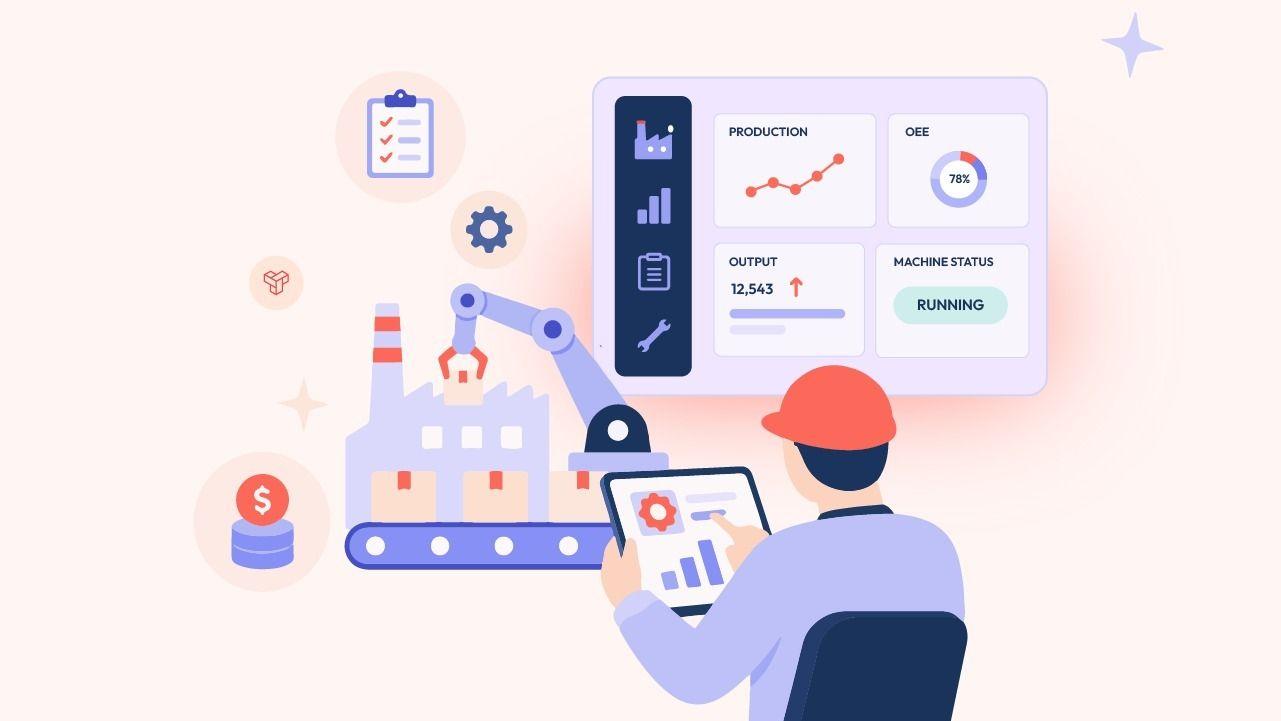
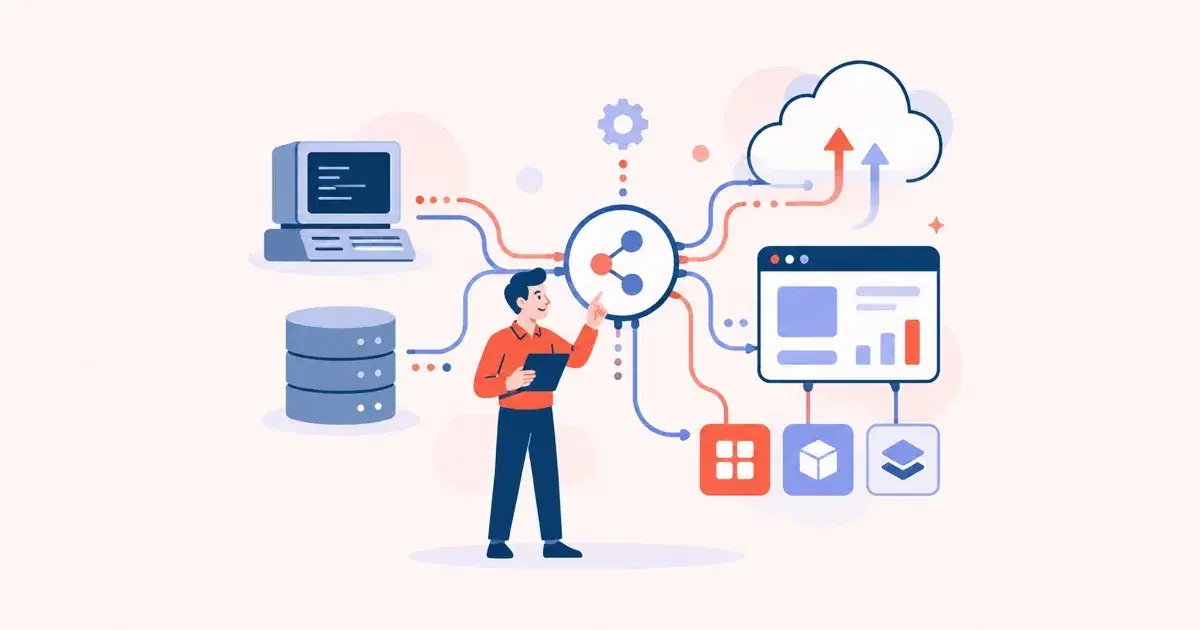
Manufacturing Software Development: Features and Cost
Are you planning to develop manufacturing software for your business? Discover how manufacturing software development helps improve production, automation, and factory management with the right features and cost insights.
By Tart Labs·Published
Want to start a Project?
share
share
Introduction
As a manufacturing company, do you need centralized software to automate processes and manage operations? Then, manufacturing software development helps improve your business operations.
Manufacturing businesses need to manage multiple operations at the same time. Handling these tasks manually takes time and leads to delays and errors.
Our manufacturing software development services help digitize operations and provide data engineering services to automate production, inventory, and supply chain management. We allow manufacturers to monitor production in real time, improve communication between departments, and provide accurate real-time data for better decision-making.
In this blog, we'll learn about the manufacturing software development process, essential features, cost, and how to choose the right partner.
What is Manufacturing Software Development?
Manufacturing Software Development is a process of building an integrated software solution for businesses to manage and automate different operations in one system.
It helps manufacturers handle production, inventory, supply chain, quality control, warehouse management, employee management, reporting, and other business in an organized way.
Types of Manufacturing Solutions
Manufacturing businesses should understand both deployment models and software categories before choosing the right solution.
Deployment Models
1. On-premise manufacturing software
On-premise manufacturing software is installed and controlled by the user. The business fully owns and controls the system, including data, security, updates, and maintenance.
Thus, all data stays inside the company’s system instead of being hosted on external third-party cloud servers.
Advantages:
Full control over data and system
High level of customization
Better for strict security and compliance needs
No dependency on the internet for internal use
Disadvantages:
High initial setup cost (servers + software)
Need technical experts for regular improvements
Manual updates and backups
Limited remote access
2. Cloud manufacturing software
A cloud-based manufacturing system is accessed through the internet. Here, the software provider manages everything like updates, security, maintenance, and data storage.
The company uses the software online without worrying about technical maintenance.
Advantages:
Frequently Asked Questions (FAQ)
The time needed depends on project size, features, and complexity. A basic solution takes 2 to 4 months, while advanced systems like ERP or smart manufacturing platforms can take 6 to 12 months or more. Custom manufacturing software development also depends on integration needs and testing requirements before final deployment.
Let's connect and create something amazing together!
Got an idea or project in mind? Whether it's custom software, a dedicated dev team, or help with digital transformation, we're here for it. Reach out—we'll bring your vision to life.
Many types of manufacturing software are available today, and selecting the best option for your business feels difficult. We have listed the main manufacturing software categories and explained how they work.
1. ERP Manufacturing Software
Enterprise Resource Planning (ERP) manufacturing software manages all factory-related activities within a single integrated system. It combines business tasks like sales, finance, and inventory, with factory operations such as production, raw materials, and quality checking.
It is suitable for medium and large manufacturing companies, factories that require real-time inventory and production tracking, and businesses planning to scale operations quickly.
Advantages
Connects all departments in one centralized platform
Reduces manual work and paperwork
Monitors raw materials and product stock instantly
Reduces mistakes and delays in operations
Improves communication between departments
Disadvantages
High initial setup cost
Takes time to implement and configure
Requires strong IT support for maintenance
Customization can be complex and expensive
Small businesses find it too costly at the beginning
Do you want to help manufacturers track and manage factory operations with live production visibility? Manufacturing Execution Systems (MES) help factories track, manage, and optimize shop floor operations throughout the manufacturing process.
MES are great for manufacturing companies that need to improve shop floor management, real-time production tracking, and better quality control.
Advantages
Monitors production activities in real time
Improves production efficiency and accuracy
Helps track machine and worker performance
Reduces production errors and downtime
Improves quality control during manufacturing
Provides better visibility into shop floor operations
Disadvantages
High implementation cost
Needs a proper connection with the current business software
Create challenges for small businesses at the beginning
Employees require technical training
Setup and maintenance can take time
3. Computer-Aided Manufacturing Software
Create 2D and 3D product designs and generate digital instructions for machines using computer-aided manufacturing software.
With CAD software, businesses can improve design accuracy, reduce manual drafting errors, speed up product development, and make design modifications more easily before production begins.
Advantages
Improves product visualization with 2D and 3D models
Helps reduce material waste and production errors
Improves coordination between product design and production departments
Disadvantages
High software licensing and implementation costs
Requires skilled designers and technical training
Complex features may be difficult for beginners
4. Inventory Management Systems
Monitor inventory, product availability, and material movement with Inventory Management Software. It monitors, organizes, and controls inventory throughout the production process.
Inventory management software tracks incoming and outgoing stock, monitors inventory levels in real time, and helps manufacturers avoid overstocking or stock shortages.
Advantages
Monitors stock availability instantly
Reduces stock shortages and overstocking
Reduces manual inventory tracking errors
Improves order and stock management
Disadvantages
Initial setup and integration can take time
Requires regular inventory updates and monitoring
Advanced inventory systems cost more for small businesses
System errors affect inventory accuracy if data is not updated properly
5. Supply Chain Management (SCM) Systems
With Supply Chain Management software, manufacturing businesses track the flow of materials and products from suppliers to the end user.
It is suitable for manufacturing businesses that manage multiple suppliers, logistics operations, and product deliveries.
Advantages
Tracks orders and deliveries in real time
Reduces delays in material and product movement
Improves coordination with suppliers and distributors
Disadvantages
Initial implementation can be costly
System setup and maintenance can take time
Poor data management affects supply chain accuracy
Manage product storage, track items, and control movement of goods within storage areas using Warehouse Management Systems (WMS). It helps manufacturing businesses organize, track, and control goods inside warehouses during storage and distribution.
WMS software monitors stock movement, manages product locations, tracks incoming and outgoing shipments, and improves warehouse accuracy. It also helps businesses handle order picking, packing, and delivery processes more smoothly.
Advantages
Improves warehouse organization and storage management
Tracks product movement in real time
Reduces errors in shipping and order handling
Improves inventory accuracy inside warehouses
Disadvantages
Implementation and setup can be time-consuming
Employees need proper training before using the system
Advanced warehouse systems can increase operational costs
Incorrect data updates may affect warehouse tracking accuracy
7. Maintenance and Asset Management Software
Do you want to monitor machines, equipment, and factory assets with better control? Maintenance and Asset Management Software helps manufacturing businesses track machine performance, schedule maintenance activities, and manage factory assets in one system.
This software records maintenance history, monitors asset conditions, and sends alerts for regular servicing and repairs. It also helps manufacturers improve equipment lifespan and reduce production downtime.
Advantages
Tracks machine and equipment performance
Reduces unexpected machine breakdowns
Helps schedule regular maintenance activities
Improves equipment lifespan and productivity
Disadvantages
Initial setup and configuration can take time
Requires regular system monitoring and updates
Advanced maintenance systems can be costly for small businesses
Incorrect maintenance data affects equipment tracking
8. Industrial IoT (IIoT) Platforms
Do you want to connect machines, sensors, and factory equipment in one smart system? Industrial IoT (IIoT) platforms help manufacturing businesses collect, monitor, and analyze real-time data from factory operations.
Industrial Internet of Things (IIoT) platforms connect industrial devices through the internet and allow manufacturers to track machine performance, production status, energy usage, and equipment conditions in real time. It also helps businesses identify issues early and improve production visibility.
Manufacturing companies use IIoT platforms to support automation, reduce downtime, and improve overall factory operations.
Advantages
Monitors machines and production data in real time
Improves production visibility and monitoring
Supports smart factory automation
Helps identify maintenance issues early
Disadvantages
Initial setup and device integration can be expensive
Requires stable internet and network infrastructure
Managing large amounts of data can be complex
Cybersecurity risks may increase with connected devices
How to Build Manufacturing Software: Key Steps and Process
To build manufacturing software, businesses need a clear plan and a strong understanding of how manufacturing processes work. Manufacturing software development streamlines day-to-day operations, which supports digital transformation within the organization.
Whether you need custom manufacturing software development, manufacturing ERP software, or smart manufacturing software, following the right development process helps build scalable and reliable manufacturing software solutions.
Requirement Analysis
The first step in manufacturing software development is understanding business requirements and manufacturing workflows. Businesses identify their production challenges, operational goals, software features, and automation needs before starting development.
This stage helps manufacturing software companies create the right manufacturing management software based on the company’s production process, inventory handling, supply chain operations, and reporting requirements.
UI/UX Design
After gathering requirements, designers create user-friendly UI/UX designs for the software. The design process focuses on building simple dashboards, production tracking panels, inventory screens, and reporting systems that are easy for employees to use.
A good UI/UX design improves user experience and helps manufacturing industry software work smoothly across different departments.
In this stage, developers build the core features and functionalities of the manufacturing software solution. The development team creates modules for inventory management, production planning, warehouse management, quality control, and reporting using web development technologies.
Custom manufacturing software development also allows businesses to add specific features based on factory operations and production workflows. Mobile app development can also be included to support access from different devices.
Once development is completed, the software is integrated with existing business systems, machines, ERP platforms, and third-party tools. Developers then test the manufacturing process software to find errors, check system safety, and ensure smooth performance.
Testing ensures the manufacturing software features work properly before deployment.
Deployment & Maintenance
After testing is done, the software is launched for real-time business use. Businesses can launch the system on cloud platforms or on-premise infrastructure based on their requirements.
Regular maintenance, updates, monitoring, and technical support help industrial software development solutions run smoothly and securely over time. Manufacturing software development services also provide ongoing improvements and feature upgrades based on changing business needs.
What Are the Core Features of Manufacturing Software?
Manufacturing software solutions help businesses automate operations, improve production visibility, and manage factory workflows in one system. Modern manufacturing management software includes several important features that support production planning, inventory tracking, quality control, warehouse management, and reporting.
Whether businesses use manufacturing ERP software, smart manufacturing software, or custom manufacturing software development services, the right manufacturing software features help improve productivity and reduce operational challenges. Start with an MVP (Minimum Viable Product) approach to validate core features before building a full-scale system.
Manufacturing software helps businesses plan production activities, assign tasks, and schedule manufacturing processes more accurately. It improves workflow management and reduces production delays.
Inventory Management
Inventory management features help track materials, products, and stock easily. This helps businesses avoid overstocking and material shortages during production.
Warehouse Management
Factory management software helps businesses manage warehouse operations, product storage, stock movement, and order handling more efficiently.
Quality Control Management
Manufacturing process software helps manufacturers monitor product quality during different production stages. It helps reduce defects and maintain product standards.
Supply Chain Management
Manufacturing industry software tracks suppliers, shipments, logistics operations, and product deliveries. This improves coordination across the supply chain.
Real-Time Production Monitoring
Smart manufacturing software allows businesses to monitor machines, production lines, and factory operations in real time. It helps manufacturers identify production issues quickly.
Reporting and Analytics
Manufacturing software development solutions provide reports and analytics that help businesses track production performance, inventory usage, machine efficiency, and operational costs.
Manufacturing Automation
Manufacturing automation software reduces manual tasks by automating workflows, machine operations, inventory updates, and production tracking processes.
ERP Integration
Manufacturing ERP software integrates production, finance, inventory, sales, and procurement processes into one connected platform for better business management.
Maintenance and Asset Management
Industrial software development solutions help businesses monitor machine conditions, schedule maintenance activities, and reduce equipment downtime.
How Much Does It Cost to Build Manufacturing Software?
Manufacturing Software Type
Estimated Development Time
Estimated Development Cost
Basic Inventory Management Software
2 to 4 Months
$10,000 to $25,000
Warehouse Management Software (WMS)
3 to 5 Months
$15,000 to $40,000
Supply Chain Management (SCM) Software
4 to 6 Months
$20,000 to $50,000
Manufacturing Execution Systems (MES)
5 to 8 Months
$30,000 to $80,000
Manufacturing ERP Software
6 to 12 Months
$40,000 to $150,000+
Smart Manufacturing Software / IIoT Solutions
8 to 15 Months
$50,000 to $200,000+
Custom Manufacturing Software Development
4 to 12+ Months
$25,000 to $200,000+
How to Select the Right Development Partner for Manufacturing Software?
Choosing the right manufacturing software company is important for building scalable manufacturing software solutions. An experienced development partner understands manufacturing operations, production workflows, automation requirements, and industry challenges before starting the project.
The right manufacturing software development service provider helps businesses build secure, user-friendly, and customized manufacturing management software based on specific operational needs.
1. Check Industry Experience
Choose a manufacturing software company with experience in manufacturing software development and industrial software development projects. Industry experience helps the development team understand factory operations, production planning, inventory management, and manufacturing automation software requirements.
2. Review Technical Expertise
A good development partner should have expertise in manufacturing ERP software, smart manufacturing software, cloud platforms, IoT integration, AI solutions, and real-time monitoring systems.
Technical knowledge is important for building scalable and future-ready manufacturing software solutions.
3. Evaluate Custom Development Capabilities
Every manufacturing business has different workflows and operational requirements. Choose a company that provides custom manufacturing software development services and can build software based on your business needs.
Custom software improves flexibility and supports long-term business growth.
4. Check Previous Projects and Client Reviews
Review the company’s previous manufacturing industry software projects, client testimonials, and case studies. This helps businesses understand the company’s development quality, project handling process, and technical capabilities.
5. Understand Communication and Support
Good communication is important during software development. Choose a development partner that provides regular updates, transparent communication, technical support, and post-launch maintenance services.
6. Discuss Manufacturing Software Development Cost
Before starting the project, discuss the manufacturing software development cost, project timeline, software features, integrations, maintenance charges, and future scalability requirements clearly.
A reliable manufacturing software company provides transparent pricing without hidden costs.
7. Focus on Scalability and Security
The development partner should build factory management software that supports future business growth, increasing production demands, and secure data management.
Scalable manufacturing process software helps businesses add new features and integrations easily in the future.
Common Mistakes to Avoid in Manufacturing Software Development
Avoiding common mistakes helps businesses build secure and user-friendly manufacturing management software that supports production growth and automation.
Lack of Clear Business Requirements
Starting manufacturing software development without clear operational goals can create confusion, increase development time, and affect overall software performance and production workflows.
Wrong Technology Stack
Using unsuitable technologies can affect scalability, security, and software performance. Choose technologies based on manufacturing operations, automation needs, and future business growth.
Complex dashboards and difficult navigation reduce productivity. Manufacturing management software should provide simple, user-friendly interfaces for smooth factory operations.
Lack of System Integration
Poor integration between manufacturing ERP software, inventory systems, and production tools can create data gaps and reduce operational visibility.
Limited Real-Time Monitoring
Without real-time tracking features, manufacturers face delays in production monitoring, machine tracking, and operational decision-making processes.
No Future Scalability Plan
Building software only for current operations creates problems during business expansion. Scalable manufacturing software solutions support long-term growth.
Weak Security Measures
Poor security practices increase the risk of data loss and cyber threats. Industrial software development should include strong security and access controls.
Choosing Based Only on Cost
Selecting a manufacturing software company only based on low pricing affects software quality, technical support, and long-term software performance.
Conclusion: Take Your Manufacturing Business to the Next Level
If you are looking to modernize your manufacturing operations with the right digital solution, Tart Labs can help you build scalable software based on your business requirements. Contact us today to start your manufacturing software project discussion.